Image Splitter for TikTok Banners and Instagram Grids
Upload one image and split it into repost-ready grids, Instagram tiles, carousel slides, or custom layouts in seconds.
100% in your browser — your photos never leave your device. Supports JPG, PNG, WebP & HEIC*.
One image → 9 tiles → your profile grid
Trending splitters
Pick a popular image and test the splitter instantly.
JPG · PNG · WebP · HEIC (if your browser supports it) — split image into grid tiles instantly
Tip: you can also paste an image with ⌘V / Ctrl+VDrag to move · Scroll or use the buttons to zoom & rotate
Layout
Tile ratioAdjust
Background fill
Your tiles & posting order
Export
FormatPopular grid layouts to split an image into tiles
From a 1x3 image splitter for TikTok banners to a 3x3 image splitter that splits an image into 9 parts for your Instagram grid — pick a preset and RepostGrid handles the slicing.
One image splitter, every social format
RepostGrid works as a TikTok repost banner maker, an Instagram grid maker, and a carousel image splitter — all in one free tool.
TikTok Repost Banner
Split a wide image into a 1x3 TikTok banner. Pin the three tiles to the top of your profile for a seamless header that grabs attention.
Instagram Grid
Turn one photo into a 3x3, 3x4, 3x5, or 3x6 Instagram grid. Post the tiles in the order we give you and your profile assembles into one big image.
Carousel Slides
Slice a panorama into seamless swipeable carousel slides for Instagram, LinkedIn, or X. Export in square, widescreen, or vertical ratios so nothing gets cropped by the app.
Custom Grids
Need something else? Split any image into a custom grid up to 6×8 tiles for collages, puzzles, printing, or creative posting experiments.
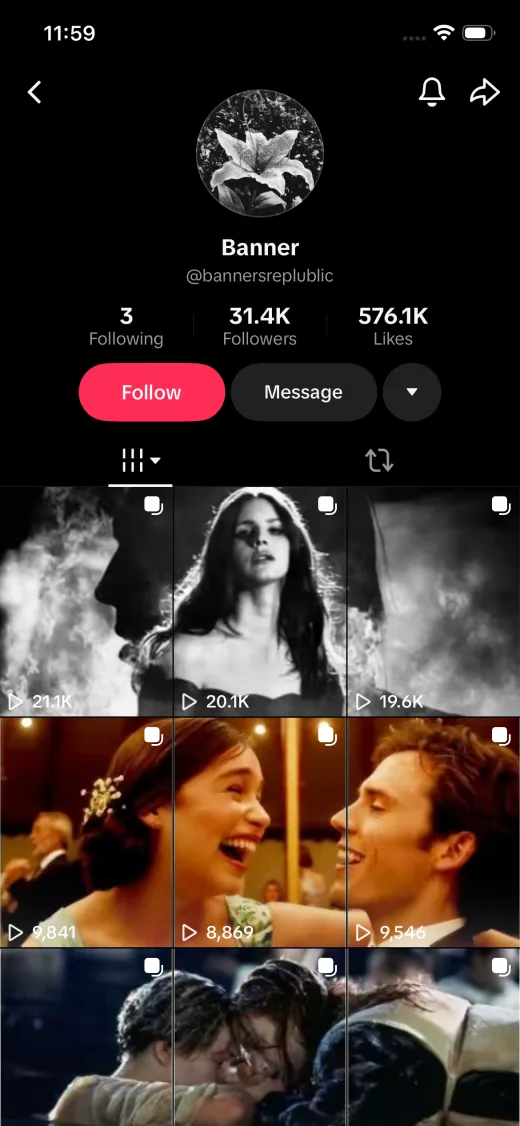
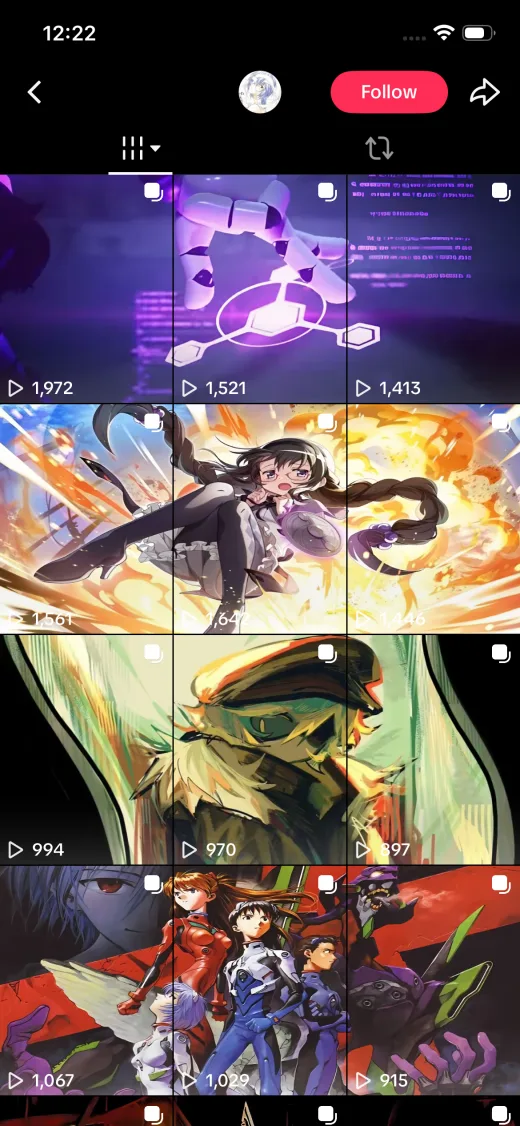
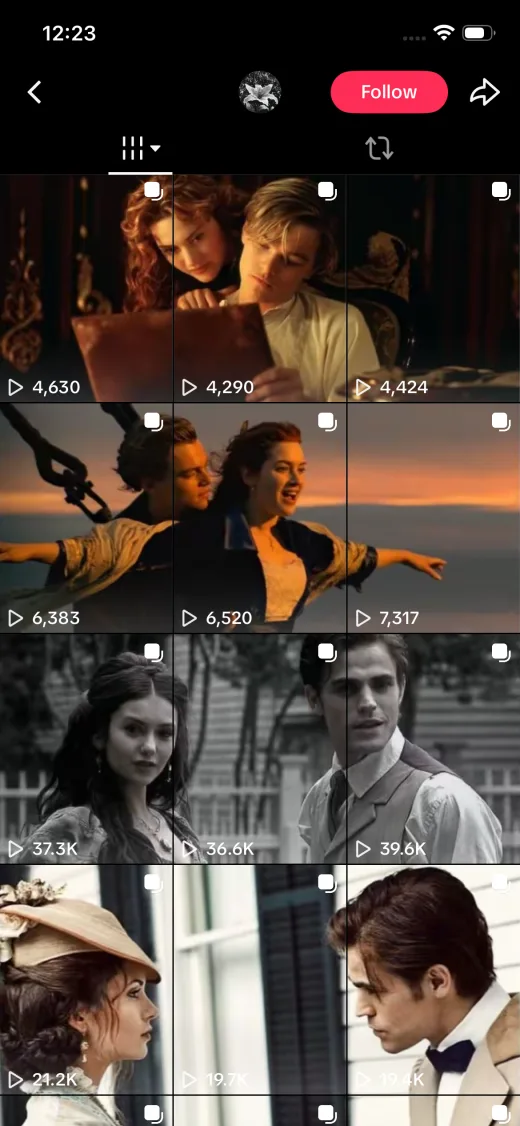
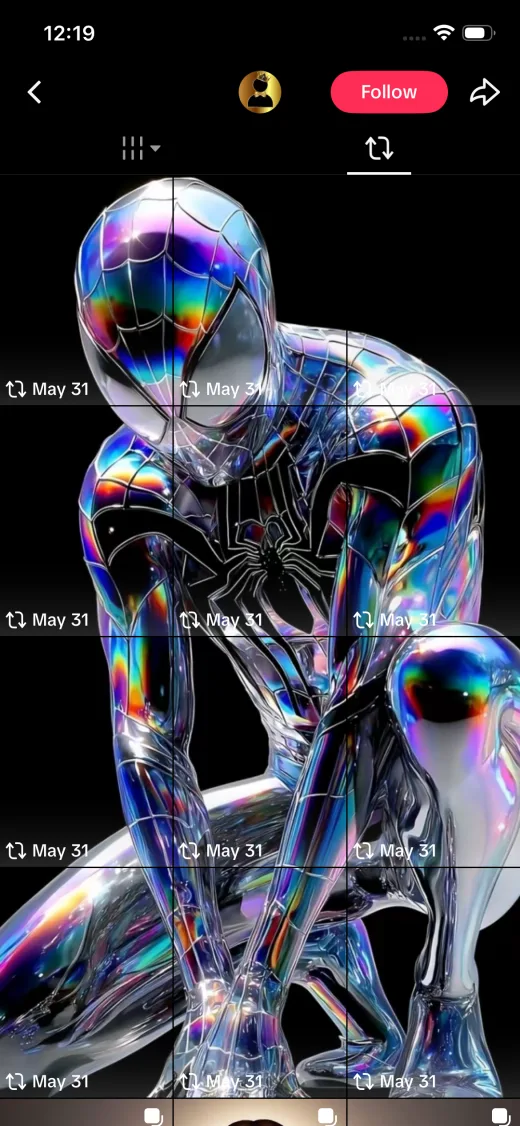
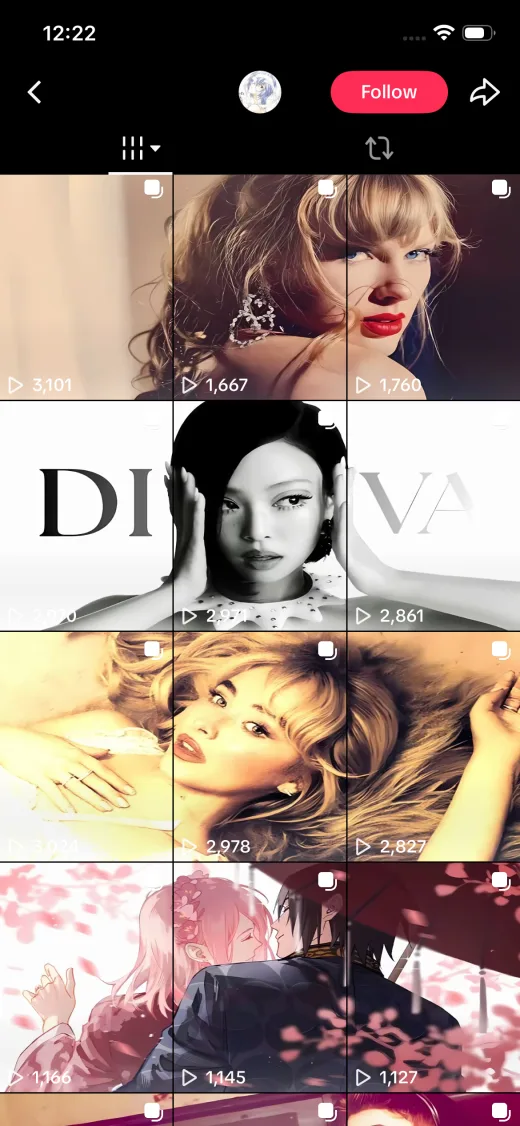
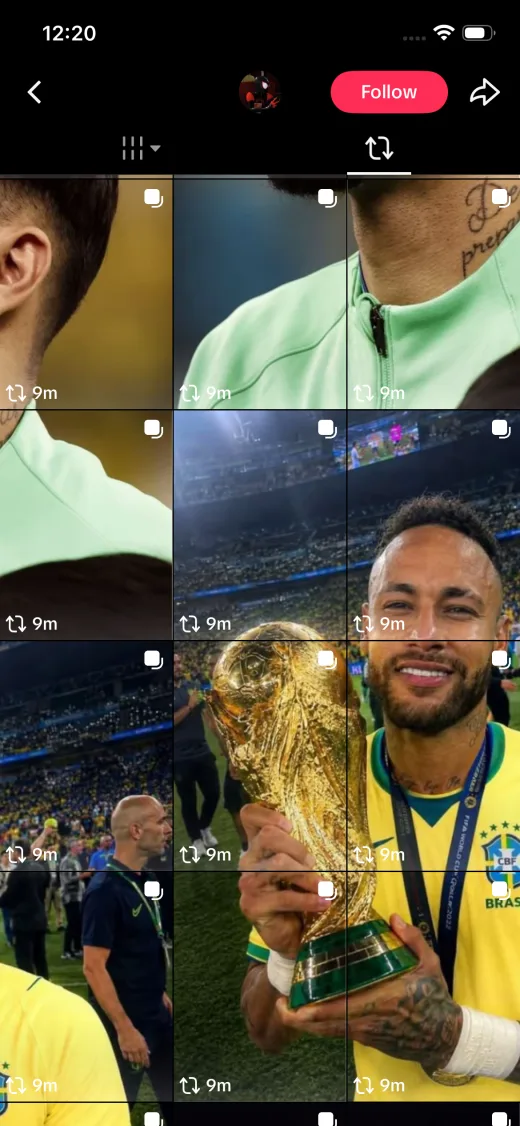
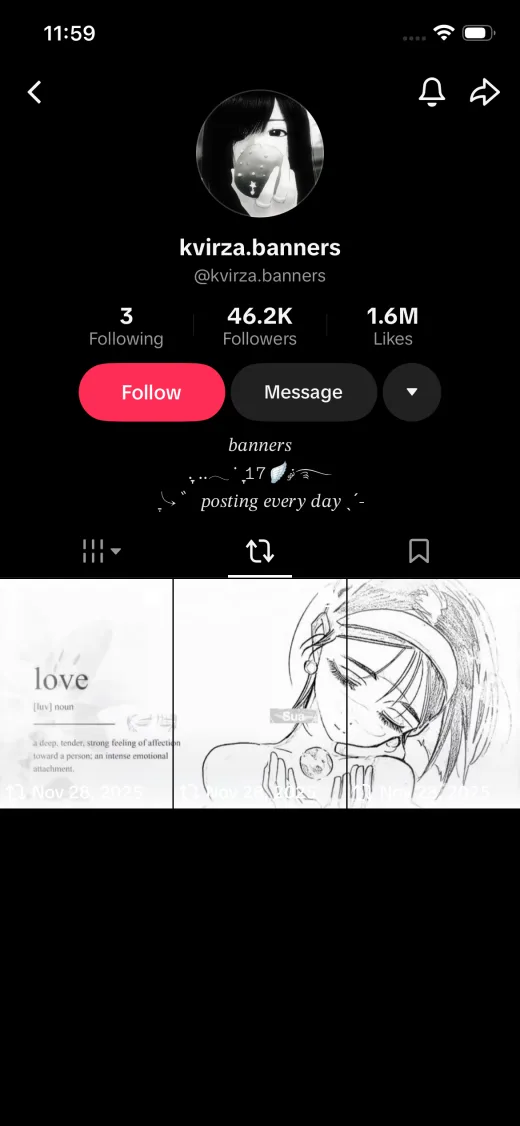
Image doesn't fit the grid? Expand it.AI coming soon
When your photo's aspect ratio doesn't match the target grid, most tools force you to crop. RepostGrid gives you smarter options today — and an AI image expander is on the way to fill the empty space with generated content that matches your photo.
- Available now: blurred background fill that extends your photo's own colors
- Available now: solid color, gradient, or transparent PNG padding
- Coming soon: AI expand image to fit grid — outpaint the edges automatically
How to split an image into a grid
Four steps from a single photo to a repost-ready grid — no account, no software install, no watermark.
Upload your image
Drag & drop or click to upload a JPG, PNG, WebP, or HEIC photo. Everything is processed locally in your browser.
Choose a layout
Pick 1x3 for a TikTok banner, 3x3 for an Instagram grid, or set a custom rows × columns layout with your preferred tile ratio.
Crop & adjust
Move, zoom, and rotate your photo. Use Fit to keep everything visible or Fill for edge-to-edge tiles, and pick a background fill.
Download & post
Download the image tiles one by one or as a ZIP, then post them in the numbered posting order so your grid assembles perfectly.
Recommended image dimensions
RepostGrid exports every tile at 1080px wide — the resolution Instagram and TikTok recommend. For the sharpest results, upload an image at least as large as the total grid size below.
| Layout | Best for | Tiles | Tile size (1:1) | Ideal upload size |
|---|---|---|---|---|
| 1x3 | TikTok repost banner, 3-slide carousel | 3 | 1080 × 1080 | 3240 × 1080 or larger |
| 2x3 | Two-row Instagram grid feature | 6 | 1080 × 1080 | 3240 × 2160 or larger |
| 3x3 | Classic 9-tile Instagram grid | 9 | 1080 × 1080 | 3240 × 3240 or larger |
| 3x4 | Tall Instagram grid takeover | 12 | 1080 × 1080 | 3240 × 4320 or larger |
| 3x5 | Extended profile mural | 15 | 1080 × 1080 | 3240 × 5400 or larger |
| 3x6 | Full-profile grid takeover | 18 | 1080 × 1080 | 3240 × 6480 or larger |
Frequently asked questions
Everything about how to split an image into a grid, make an Instagram grid, or build a TikTok repost banner.
How do I split an image into a grid?
How do I make an Instagram grid from one photo?
How do I make a TikTok repost banner?
Is RepostGrid free? Do you add watermarks?
Are my photos uploaded to a server?
What image formats are supported?
Ready to split your image into a grid?
Upload a photo, choose a TikTok banner or Instagram grid layout, then download numbered tiles in the right posting order.